Messages Panel
During a broadcast, use the Messages panel to trigger custom messages, Celly Stickers, and branding.
Basics
- Pick Home or Away for team-based messages.
- Override the on-screen duration if needed.
- Tap a message to show it.
Using Brands
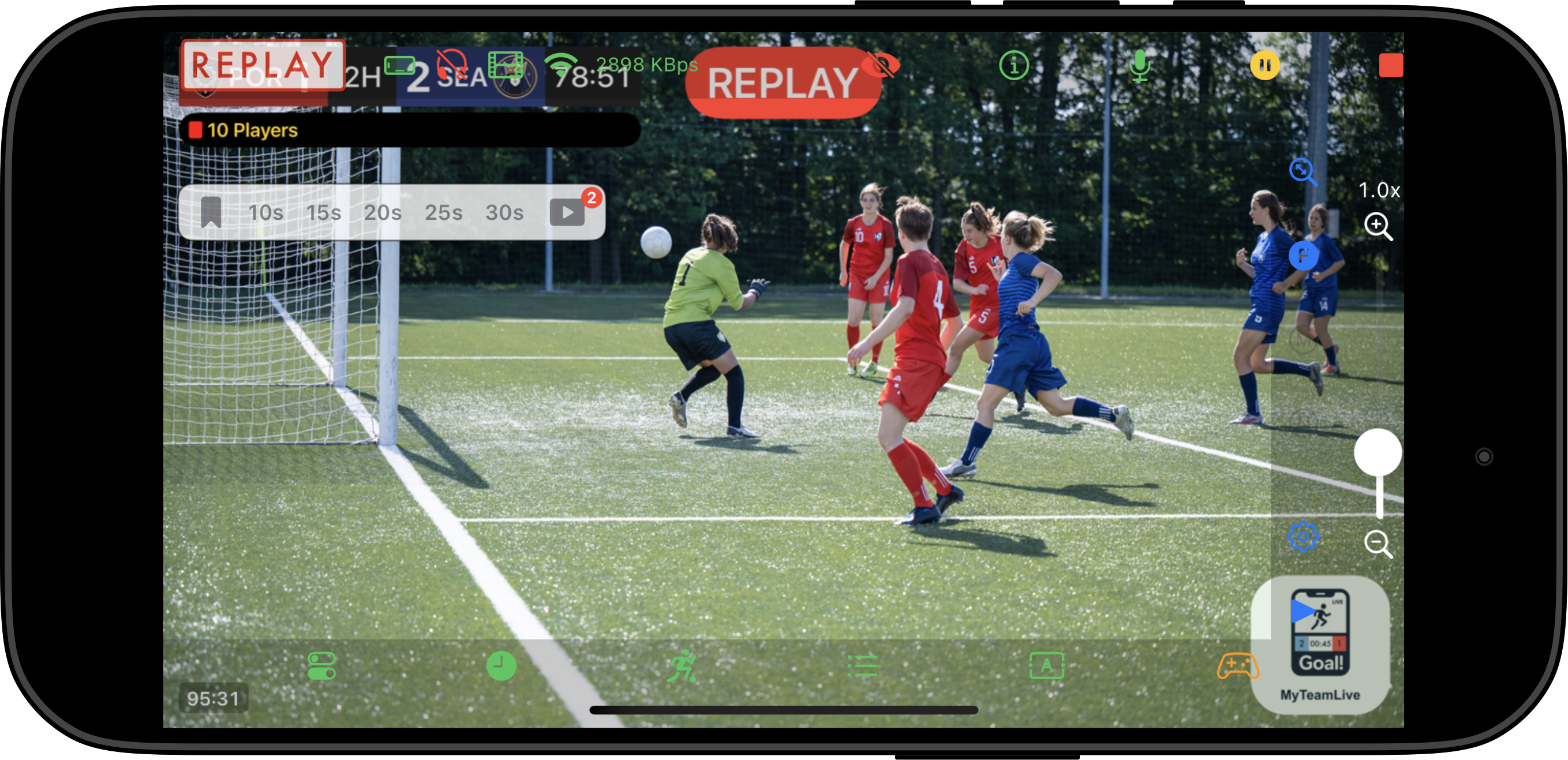
Brands are persistent and stay visible in the configured corner until you remove them.
- Tap a Brand in the Messages panel to show it.
- The brand remains on screen until you tap it again to dismiss it.
- Only one brand can be active at a time — tapping a new brand replaces the current one.
Managing Messages
- Create and edit messages in the Messages Tab.
- The panel lists only the messages for the current sport and sorts them by name.
Tips
- Use descriptive names so you can find messages quickly while live.
- Keep durations short for quick announcements.
- Celly Stickers add personality; use them sparingly so they do not cover live action.
- Brands work well for sponsor or team branding that should stay visible throughout the broadcast.