Control Bar
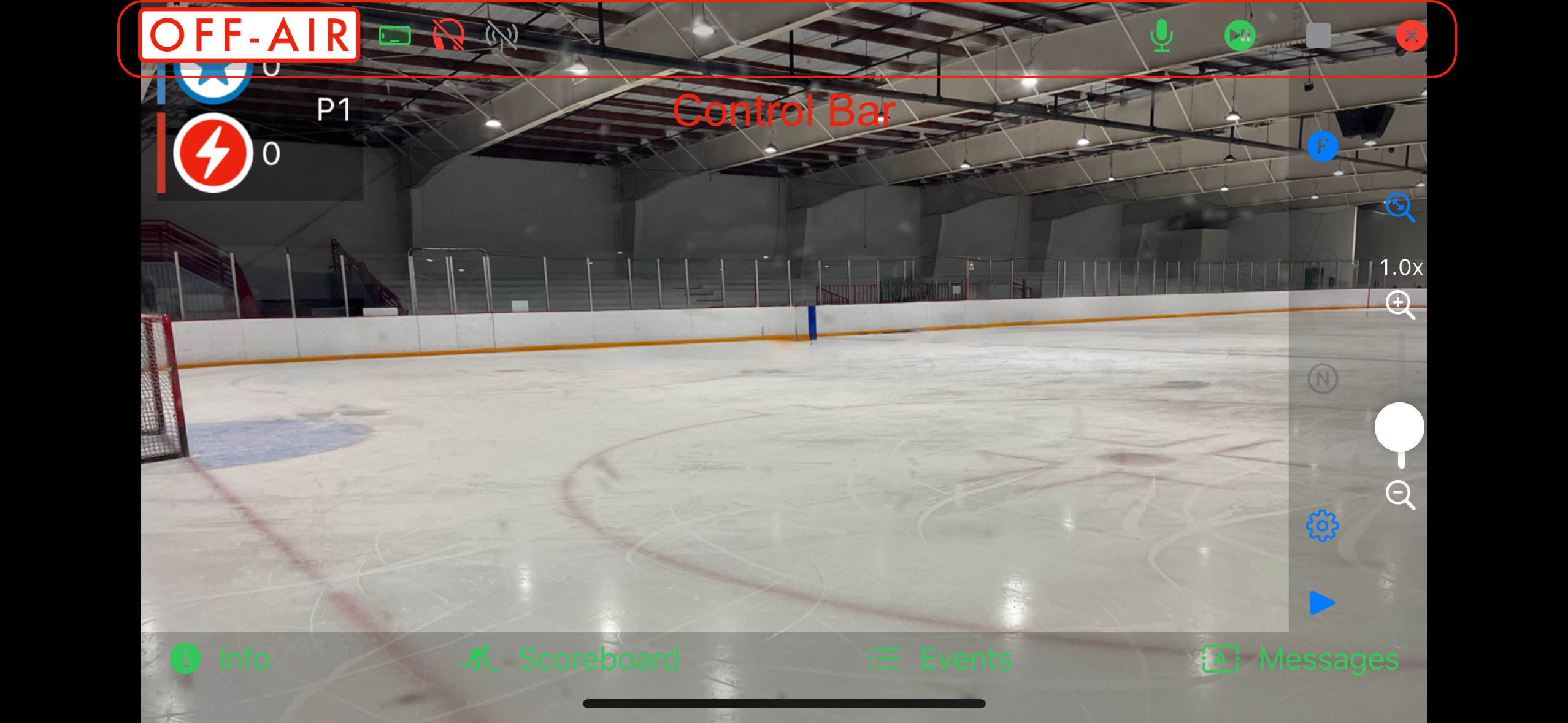
The control bar appears at the top of the Camera View whenever you start streaming. It combines real-time indicators with broadcast controls.
Indicators (Left Side)
- Broadcast status: Off-Air, Standby, or Live.
- Device orientation icon (portrait or landscape).
- Headphone connection indicator.
- Recording mode: a film icon shows recording status (gray = not recording, green = recording, yellow = dropped frames, red = error). Only shown in Local Recording mode.
- Streaming mode: a WiFi or cellular-bars icon shows network status; a slash through it means not connected. Followed by the current upload speed in KBps. Only shown when streaming. If a stream fails and you continue as a local recording, the stream icon is replaced by the film icon.
Controls (Right Side)
- Hide on-screen controls.
- Camera Status.
- Microphone mute toggle.
- Live/Pause/Restart toggle.
- Stop broadcast while live, or close the Camera View once stopped — only one of the two shows at a time.
Use the interactive preview inside the app’s Help section to see how each control changes the indicators.
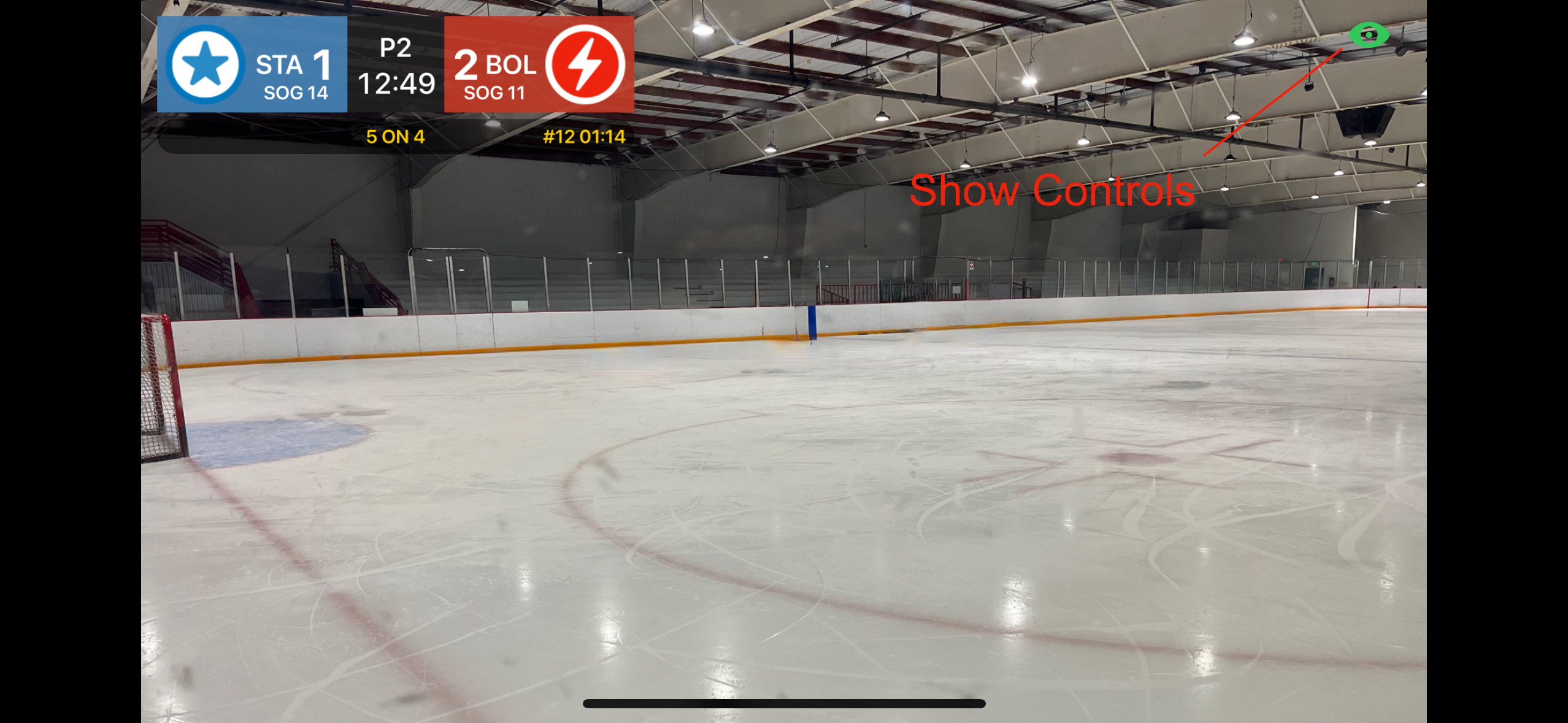
Hide the on screen controls to see the outgoing feed. Tap the show screen controls icon to make the controls visible again.